

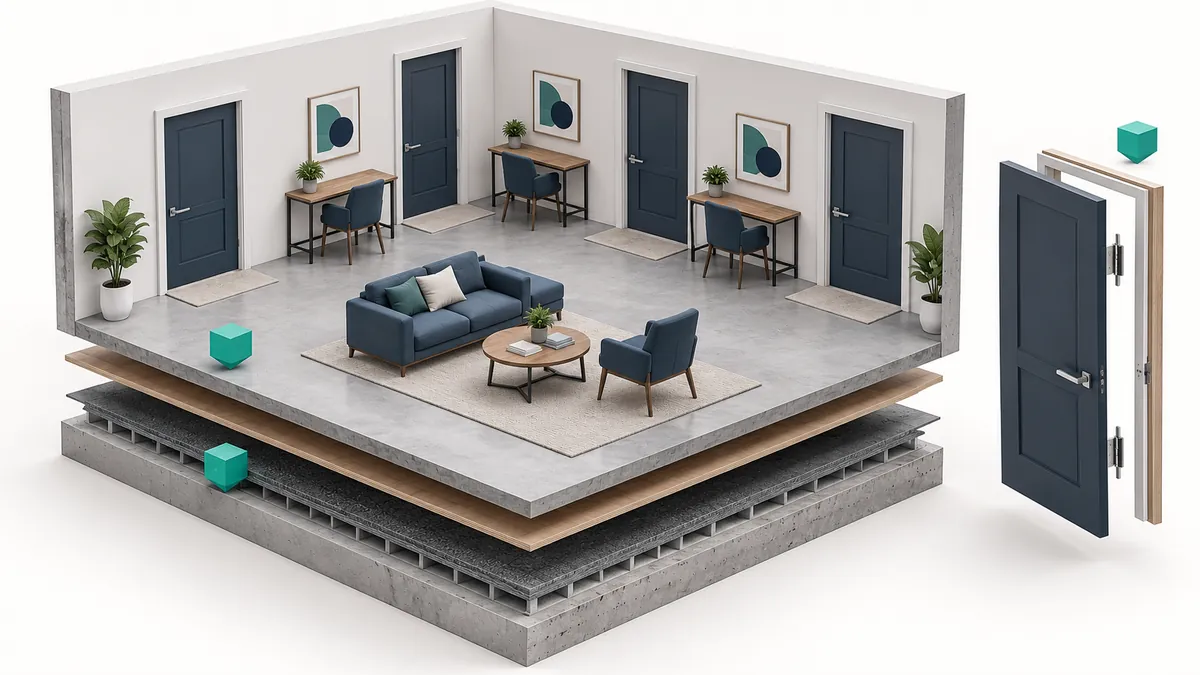
A door can look correctly placed in 3D yet disappear from the plan. A family's smaller type may work while a larger type pulls its frame apart. These are different problems, and deleting the object and placing it again explains neither. Useful placement testing identifies the source of a failure, not just its appearance.
Do that investigation before the object has been copied throughout a project. You do not need a miniature version of the entire building. You need enough context to expose the conditions that matter: a wall, two doors, a section and a short schedule can reveal a surprising amount about placement and information.
Build a small test area with the right context
Match the intended use. Provide a representative wall for a door, a suitable ceiling for a ceiling-hosted fitting, or the required face for face-based equipment. The host is that placement context. Testing against the wrong one can make a functioning component appear defective.
Use the project's application version and a test copy with view settings you can compare. Keep a plan, section and 3D view available. When an object disappears from plan, locating it in section is more useful than changing several settings at random. Add a short schedule containing the selected type, product reference and a few fields the project actually needs.
Keep the original download separately. A preserved baseline helps establish whether a later problem arrived with the file or followed your edits. Keep the product link and file revision nearby; an elaborate report is unnecessary before you have found anything worth reporting.
Find the missing instance before placing another
Take a window visible in 3D but absent from its floor plan. First inspect its level and placement height in section. A level is a vertical reference; an offset is a distance from that reference. Adjusting visibility around an object placed on the wrong storey leaves the placement error unresolved.
If the position is correct, examine the view. Revit's View Range defines horizontal planes controlling vertical visibility in plan. Its top, cut plane, bottom and view depth serve different purposes. Compare these boundaries with the object's position. If an adjustment reveals it, you now have a narrower question about placement and display rather than a supposedly missing file.
View range is not the only possibility. Compare the object's behaviour across plan, section and 3D, including the chosen detail level and family representation settings. Change one setting at a time. Revealing the object after several simultaneous changes leaves you unable to explain which change mattered when the problem returns in the project template.
Adding a second copy can conceal the original error. One instance remains invisible on the wrong level, while the new one looks correct and the schedule counts both. Locate the existing instance, then correct its placement or representation.
Two doors reveal the difference between types and instances
Place two instances of the same door type. Give them different placement notes, then change one to another supplied type. The selected type should carry the appropriate dimensions and product information; a note belonging to one location should not unexpectedly change the other. Two elements make an incorrectly chosen type or instance parameter easier to recognise.
Do not obtain dimensions solely from the type name. Find the measurement identified in the technical drawing, then measure between equivalent points in the model. A value of 900 mm might describe the leaf, frame or another reference. Changing geometry until it reads 900 mm does not resolve an unclear definition.
Now select a different size supplied by the manufacturer. Suppose the leaf widens but one frame piece stays behind. Describe the transition that produced the failure rather than condemning the whole family. The author needs to know which type you started with, which you selected and which part failed to move as expected.
Even where dimensions can be entered freely, choose test values from valid product options. A failure at a size the manufacturer never offers differs from failure in a published type. If the supported range is unclear, ask about it first. The team modifying the component can use the controlled comparison described in the family quality article.
| Observed problem | Discriminating check | Investigate |
|---|---|---|
| Visible in 3D, absent from plan | Section position and plan boundaries | Placement or representation |
| Frame fails only in the large type | Repeat the same type transition | Family relationships |
| Both door notes change together | Two instances of one type | Type/instance parameter choice |
| Product reference is blank in schedule | Source value and selected field | Data or field definition |
| One instance works, a group becomes slow | Fixed count and identical view | Repeated-use behaviour |
Read the schedule as carefully as the model
Put the two doors' product references and type names beside one another in the schedule. If the references match, establish whether that is an intended product relationship or a missing distinction. Add the placement-specific note. Reading both fields helps separate commercial product identity from an individual location in the project.
For a blank field, first look for the actual value in the family or placed instance. If it exists there, check that the schedule has selected the correct definition rather than another similarly named field. Autodesk's shared-parameter scheduling documentation is a useful reference. Typing convincing text into an output does not repair a broken connection with its source.
Resolve unclear product-data definitions at this stage. Distinguish displaying one physical length in different units from comparing two different openings. Catching that distinction now prevents it travelling into product lists and ordering preparation.
A clean clash result does not establish usable space
Equipment near a wall may avoid all physical intersections while leaving its maintenance panel impossible to open. Collision and operating clearance are separate questions. If the model contains only the equipment body, consult the manufacturer's installation information for necessary access space and assess that space in the layout.
The door example has a similar limitation. A frame can sit correctly in its wall while the opening leaf makes a nearby element difficult to use. Examining only the closed shape misses that condition. Identify the operating state being assessed so different team members are not judging different situations.
Revit Interference Checking examines intersections between selected elements or categories. Refresh checks existing report findings again; it does not repeat the entire check. Run a new check when additional elements or a changed scope need examination. An empty refreshed report does not demonstrate that a newly added object was included.
Keep repeated-use comparisons comparable
Once placement and information work for individual elements, create a fixed group representing the intended use. For doors distributed through rooms, begin with a few placements and extend to a representative count. There is no universal correct number; choose it before comparing files.
Compare view changes, type selection, saving and reopening under the same conditions. Detailed 3D in one trial and a simple plan in another will not provide a fair comparison. A smaller file that loses necessary lines or parameters may be less useful. Nor should every delay in a large project be blamed on its newest component: check whether the symptom can be reproduced in the small test area.
Give the author a problem they can reproduce
A useful issue description might read: “In R03, place D-090 and switch to D-120; the right-hand frame remains at its original position.” This example identifies the file, transition and symptom together. Add the Revit version and the technical document defining the expected dimension. That gives the author a practical starting point.
Separate the example from confidential project data. If a wall and two doors reproduce the problem, the whole building is unnecessary. When a correction arrives, repeat the same transition, then check a neighbouring type and the schedule for nearby effects.
The final decision depends on the intended work. A missing commercial reference might wait during a layout study but prevent acceptance for an ordering list. Relate that decision to the original object selection. Before multiplying a BIMNESNE download across the project, you should know which dimensions, behaviours and information have actually been examined.